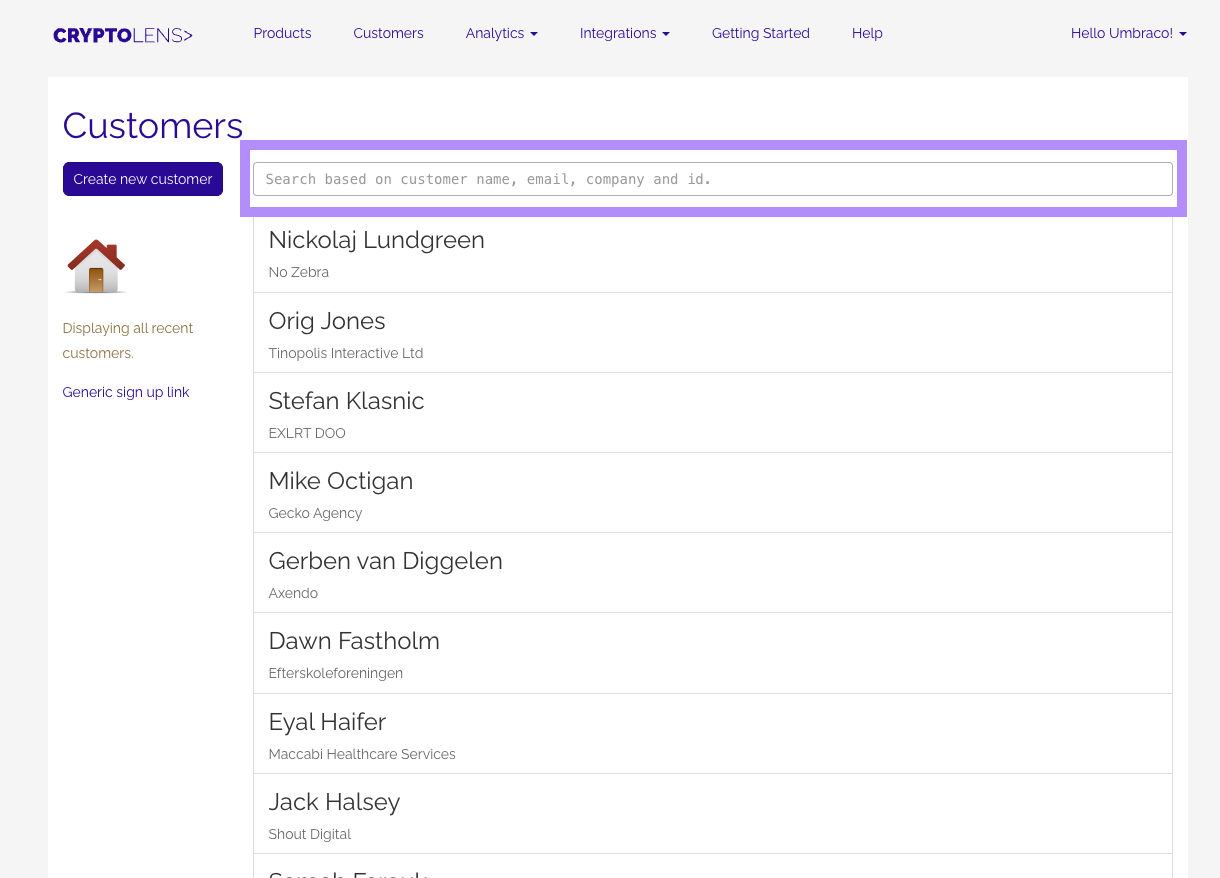
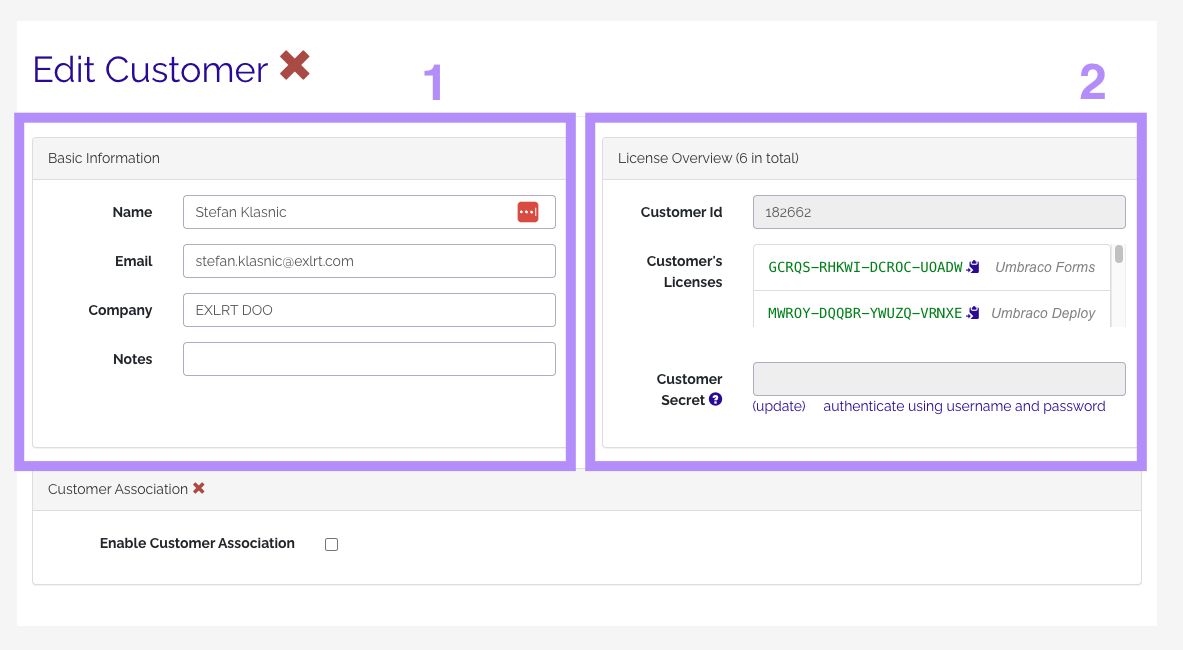
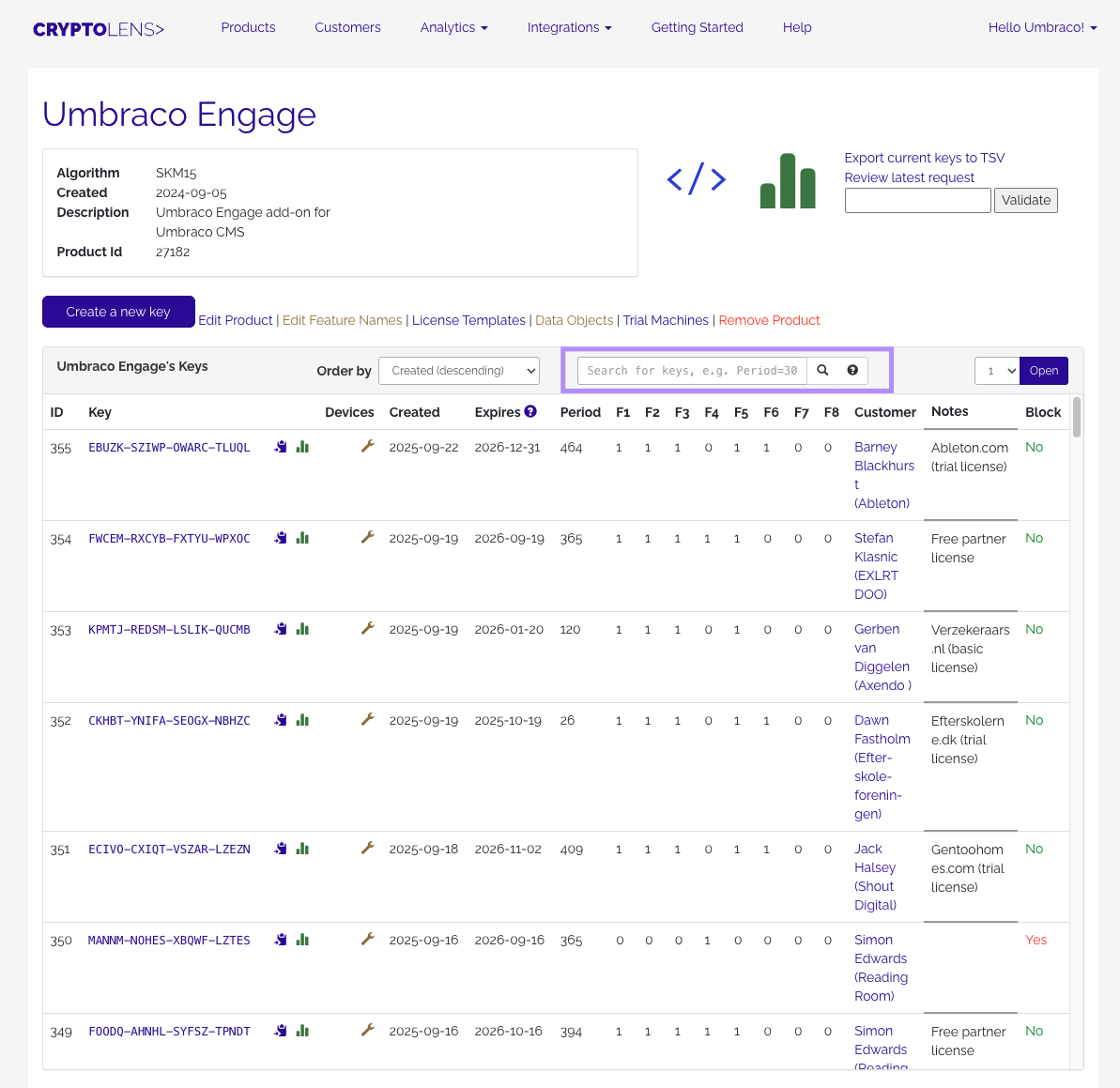
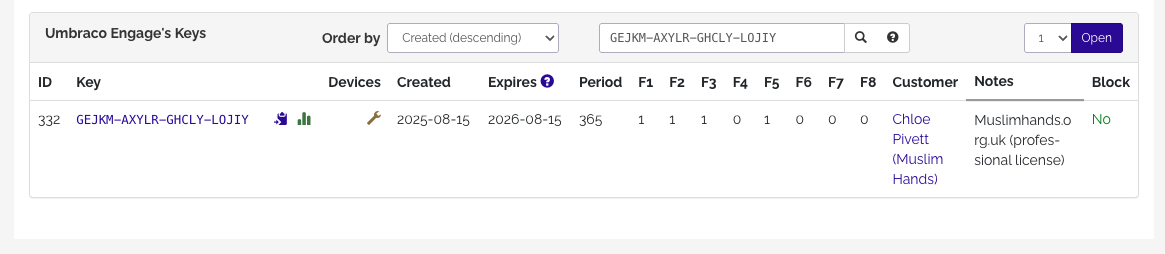
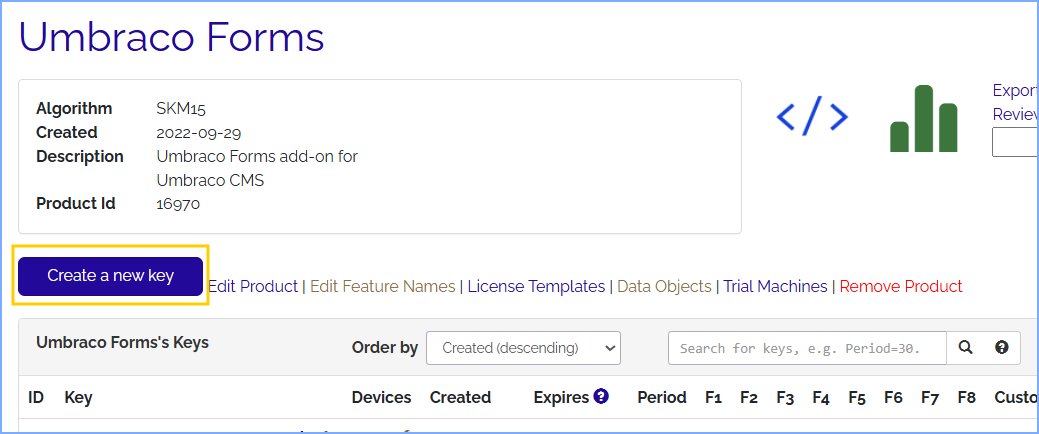
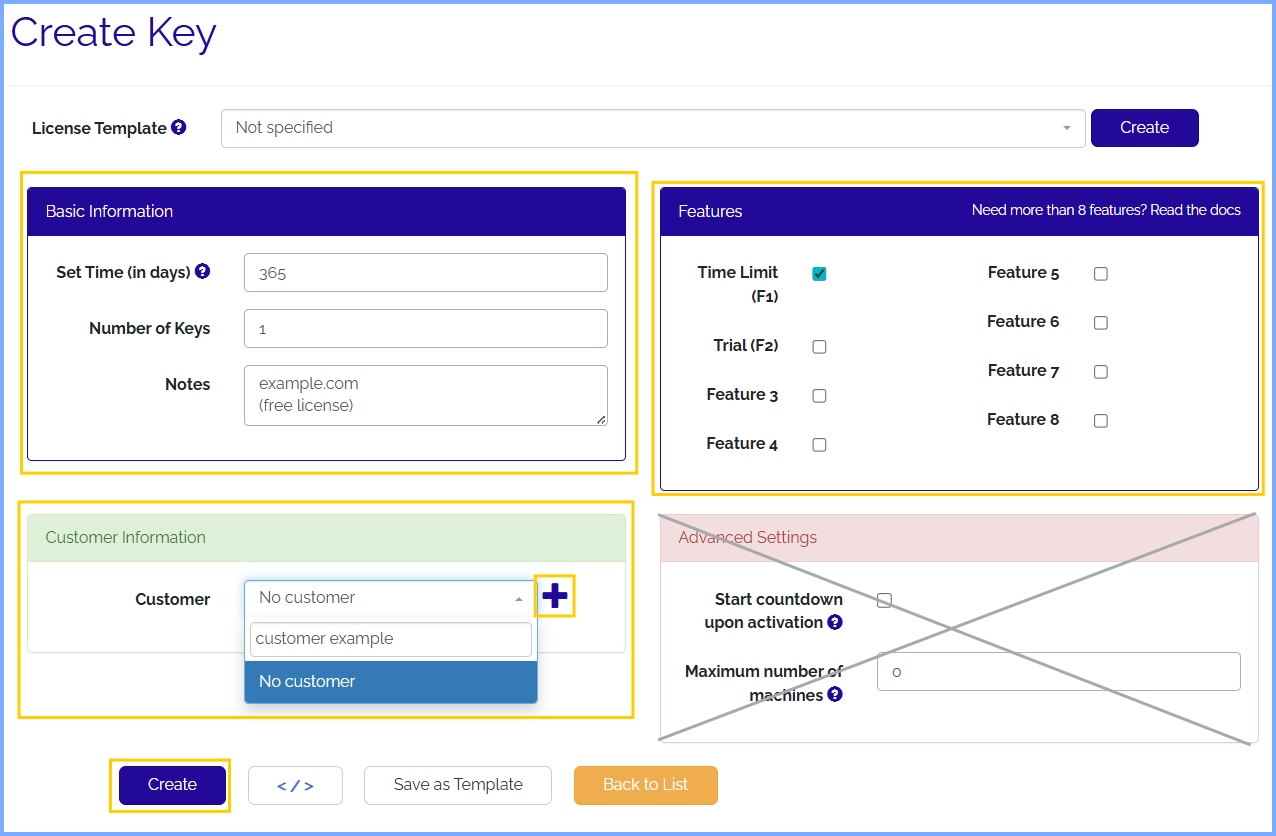
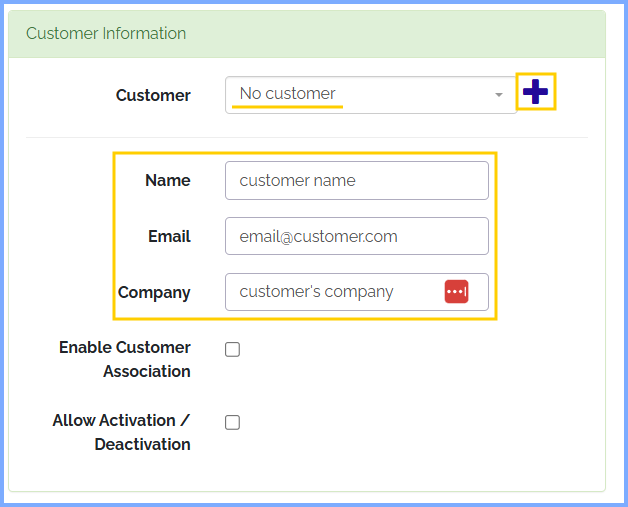
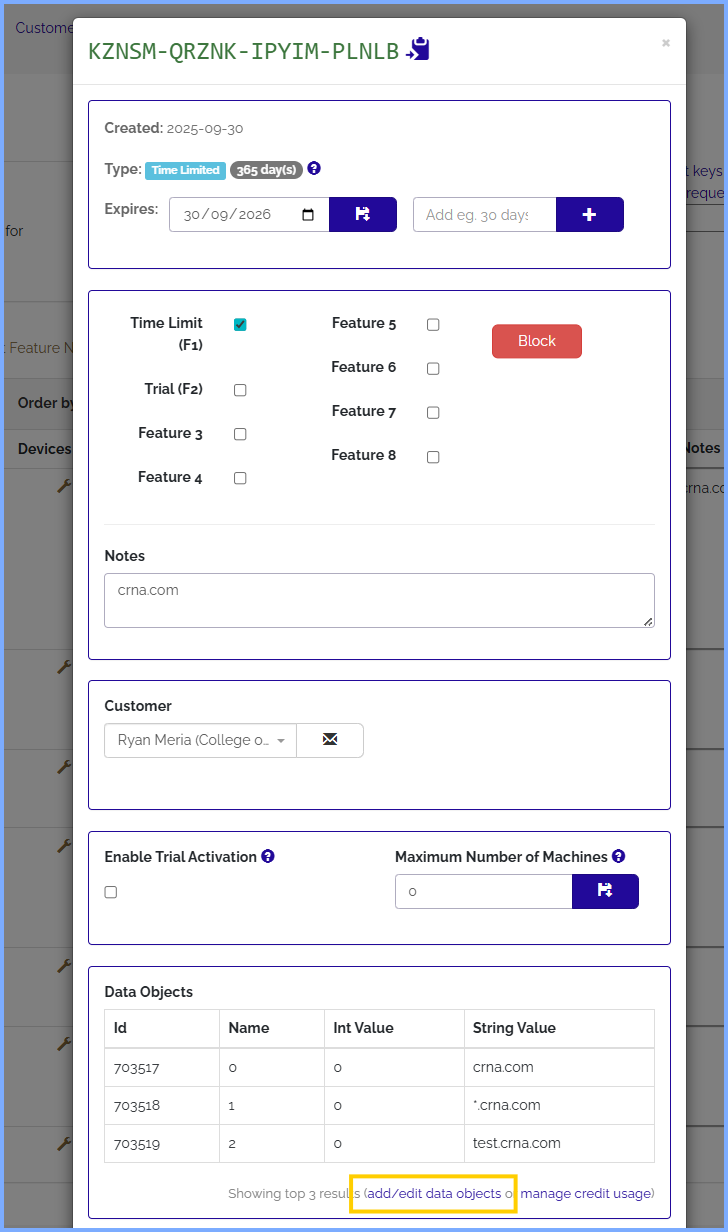
Follow these steps to access your Umbraco licenses through Cryptolens
Log in
Click the Login button in the top-right corner of the page.
Enter your credentials and sign in.
Note: You may be required to complete user authentication before proceeding to the next step.
Navigate to Umbraco Licenses
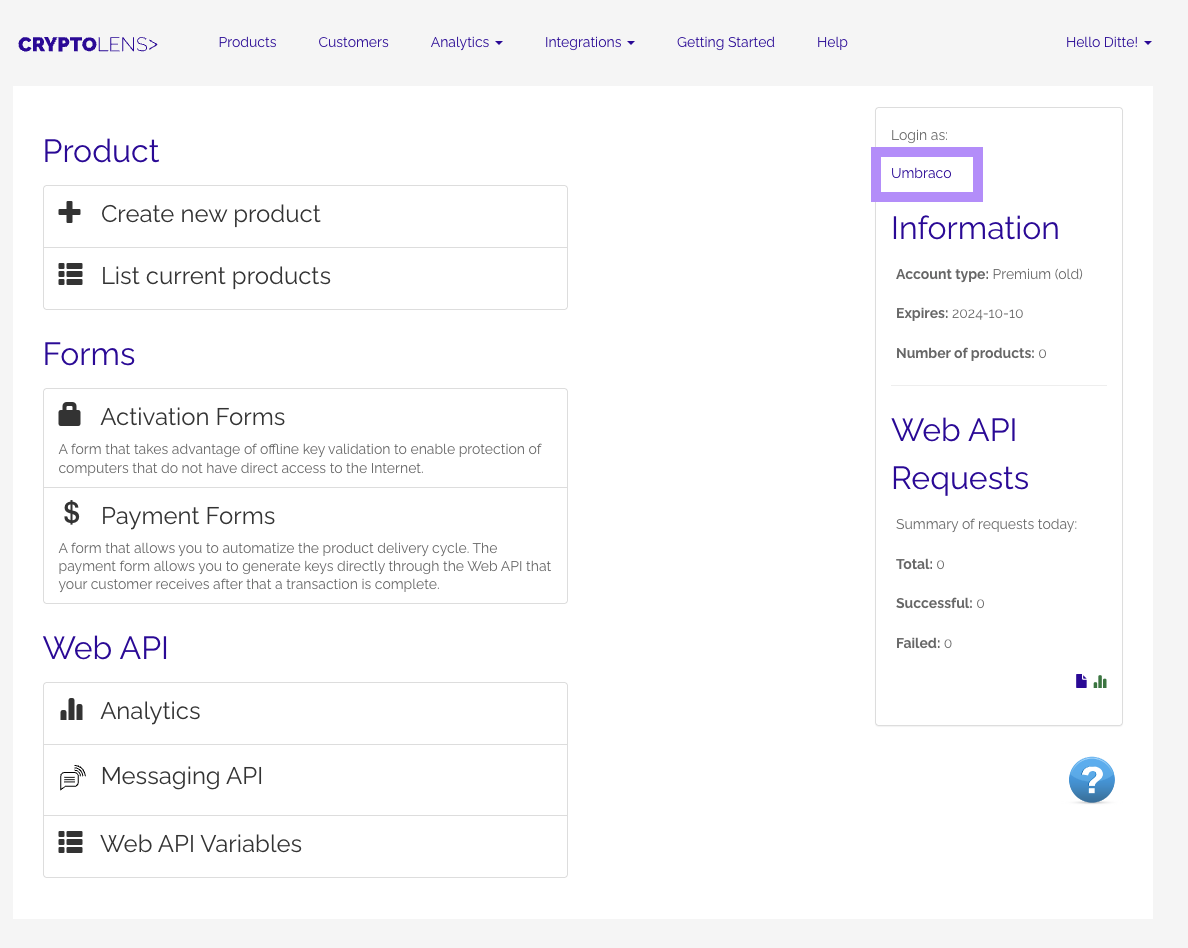
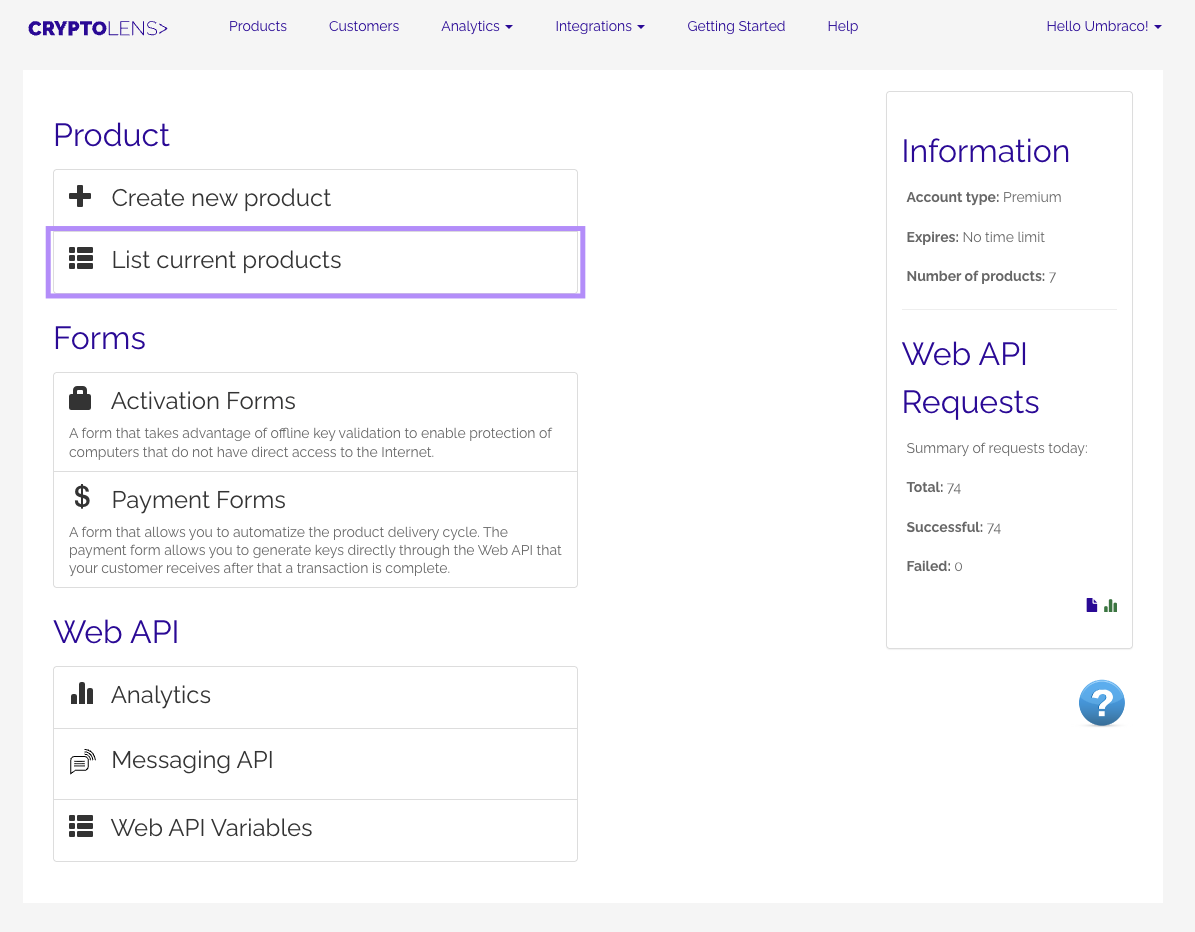
Once logged in, locate the Umbraco link in the right-side panel and click it.