If you come across a ticket where the customer would benefit more from speaking directly with the Sales team, follow these steps:
Take the ticket into your view.
Communicate with the customer.
Send a message letting them know you’ll involve the Sales team, as they are best equipped to address their needs.
For example, you can write something like this:
Hi George,
Thanks so much for your interest in Umbraco Engage! 🎉
To make sure you get the most accurate details on pricing and the steps to get started, I’ll involve our sales team.They’re best prepared to walk you through the options and guide you every step of the way.
You’ll be in great hands with them, and they’ll follow up with you shortly.
Kind regards,
Catalina
If there are small technical questions you can answer, do so before passing it on.
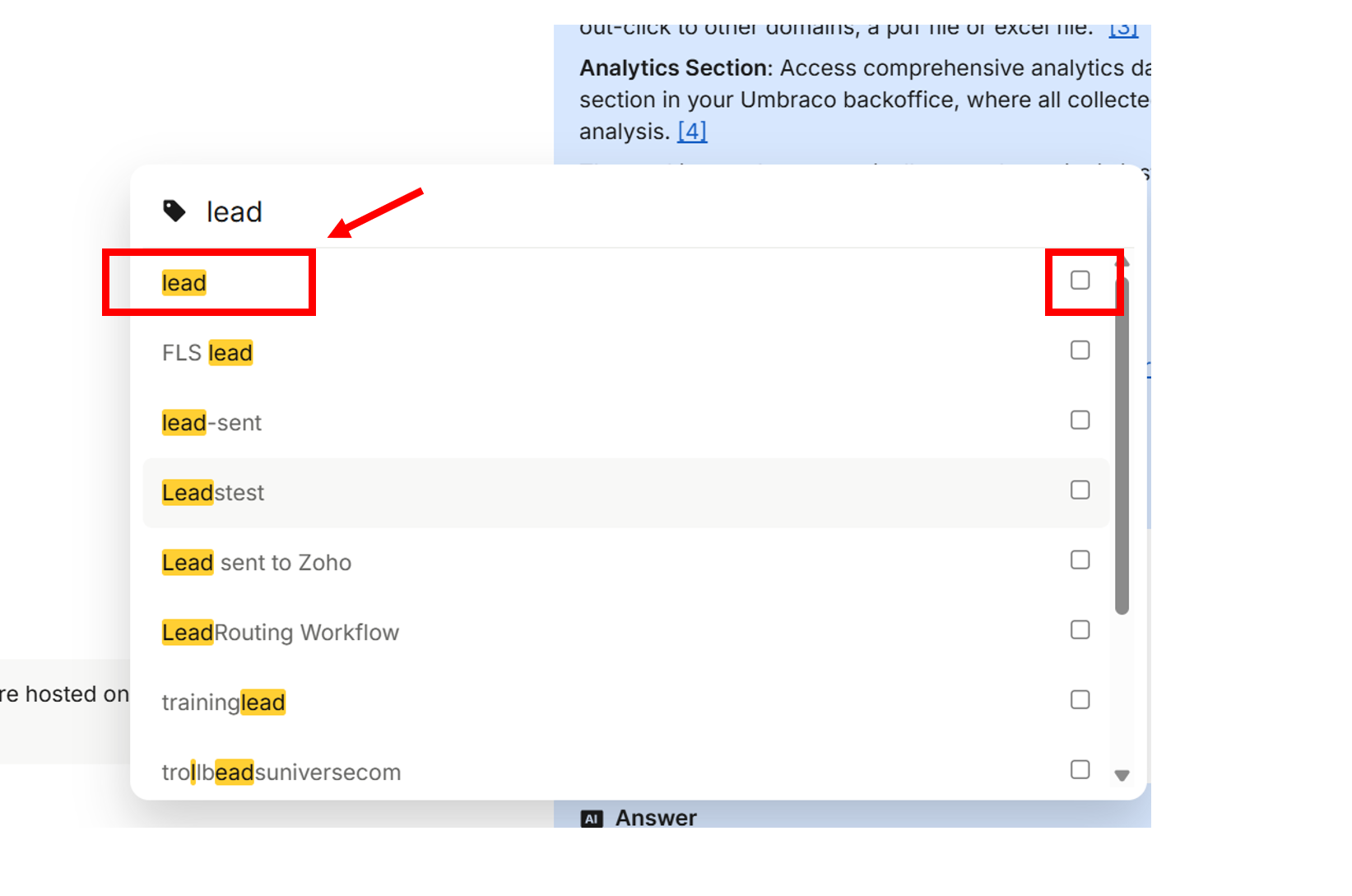
Tag the ticket.
Add the tag “lead”.