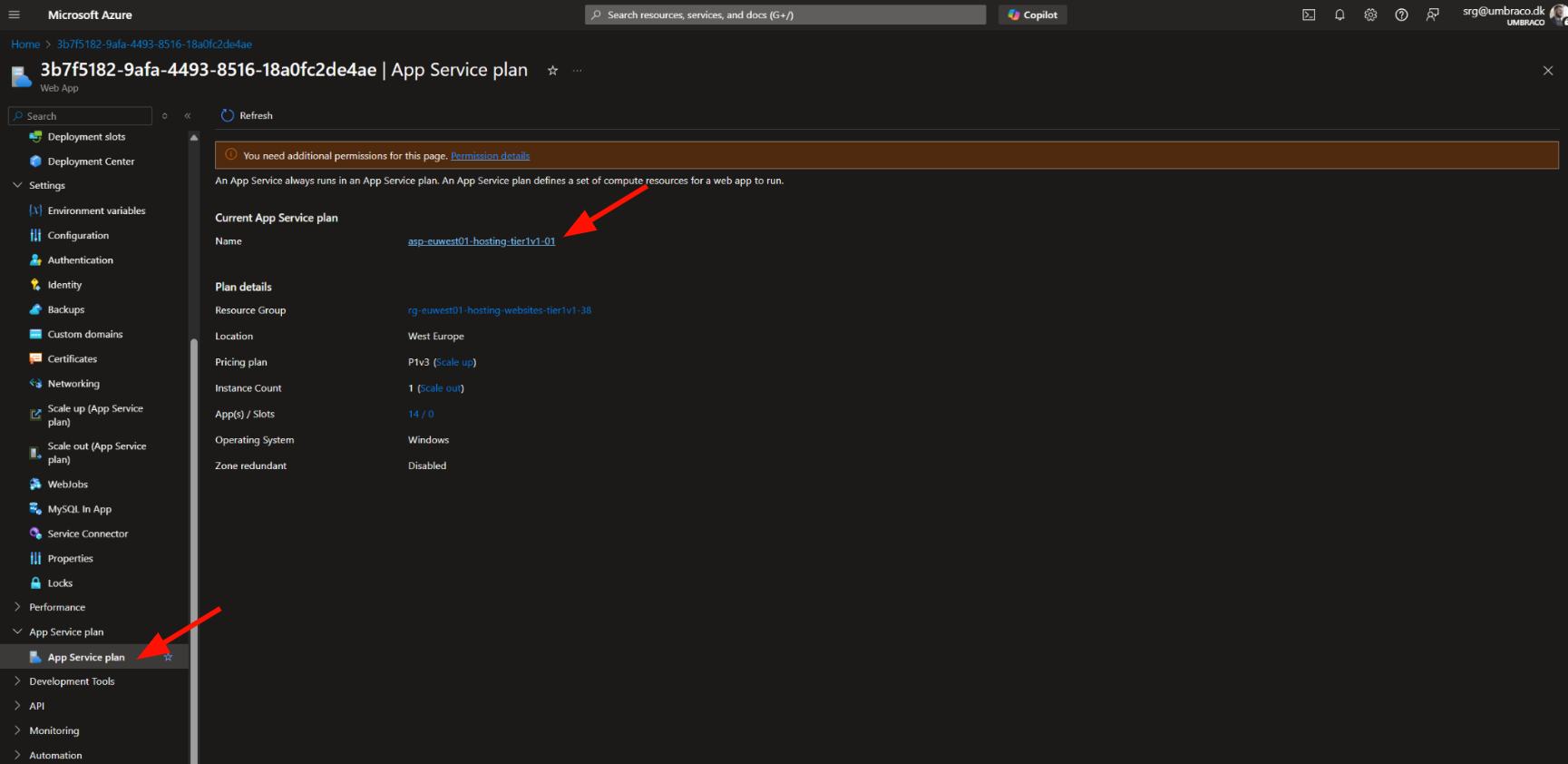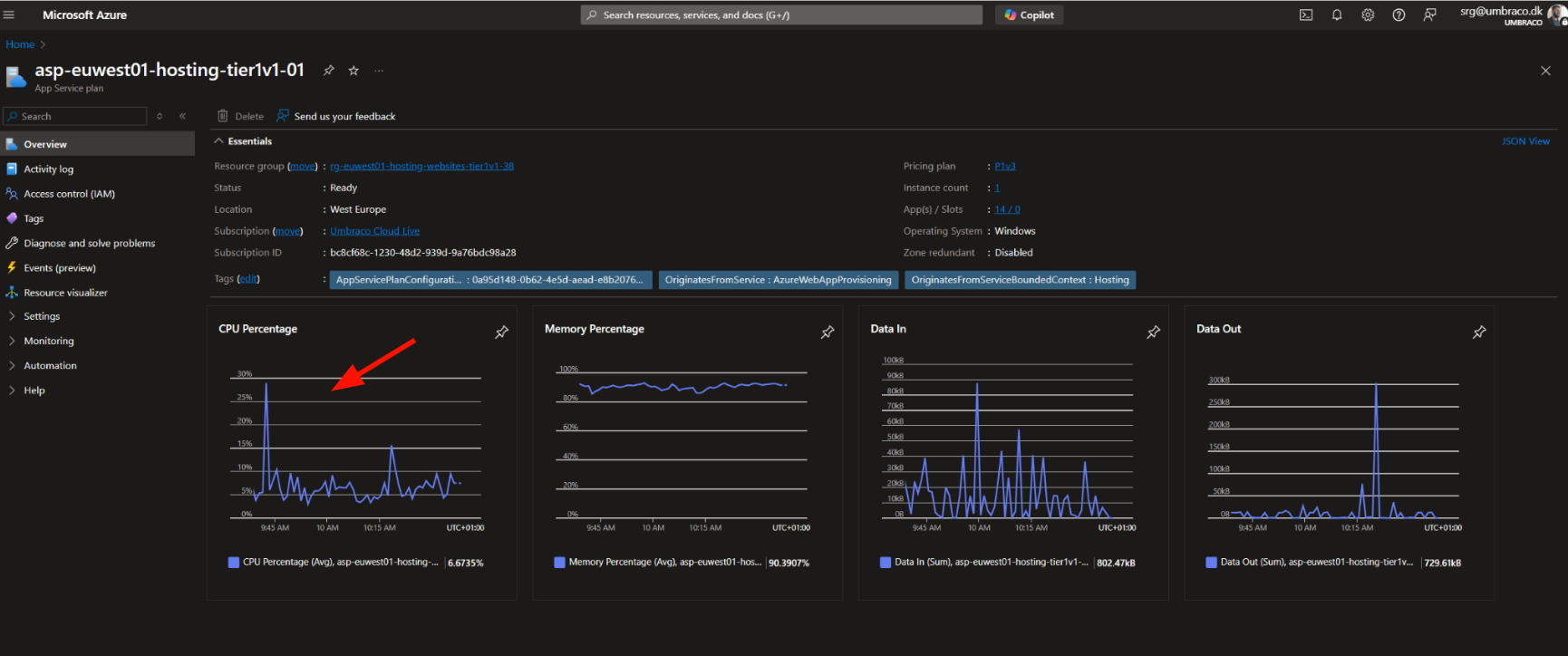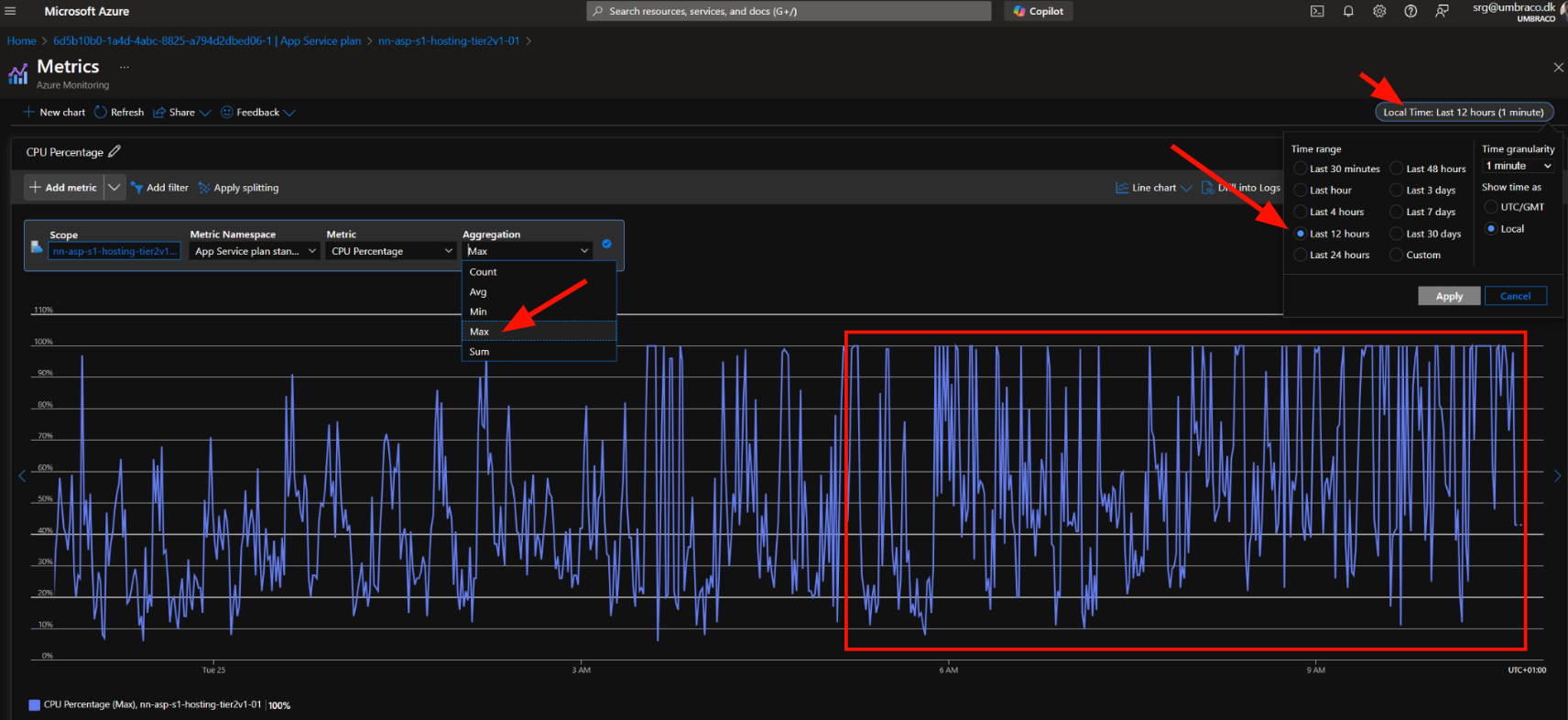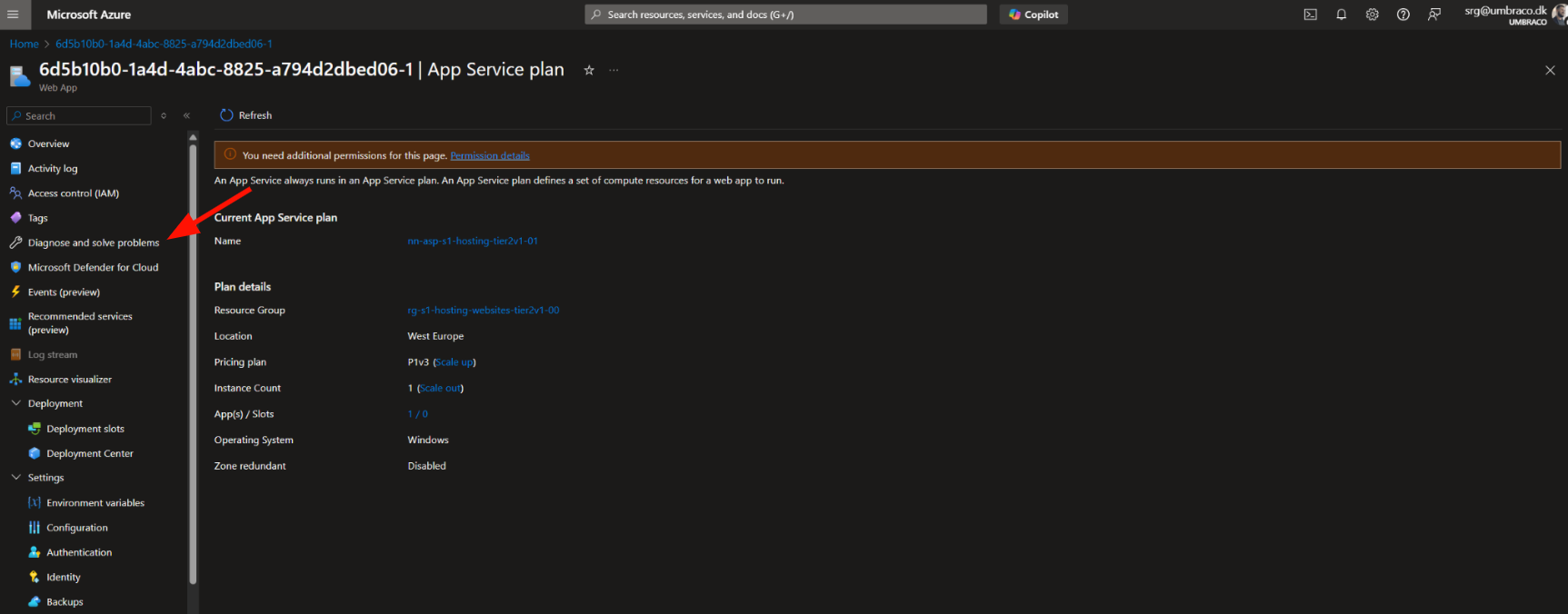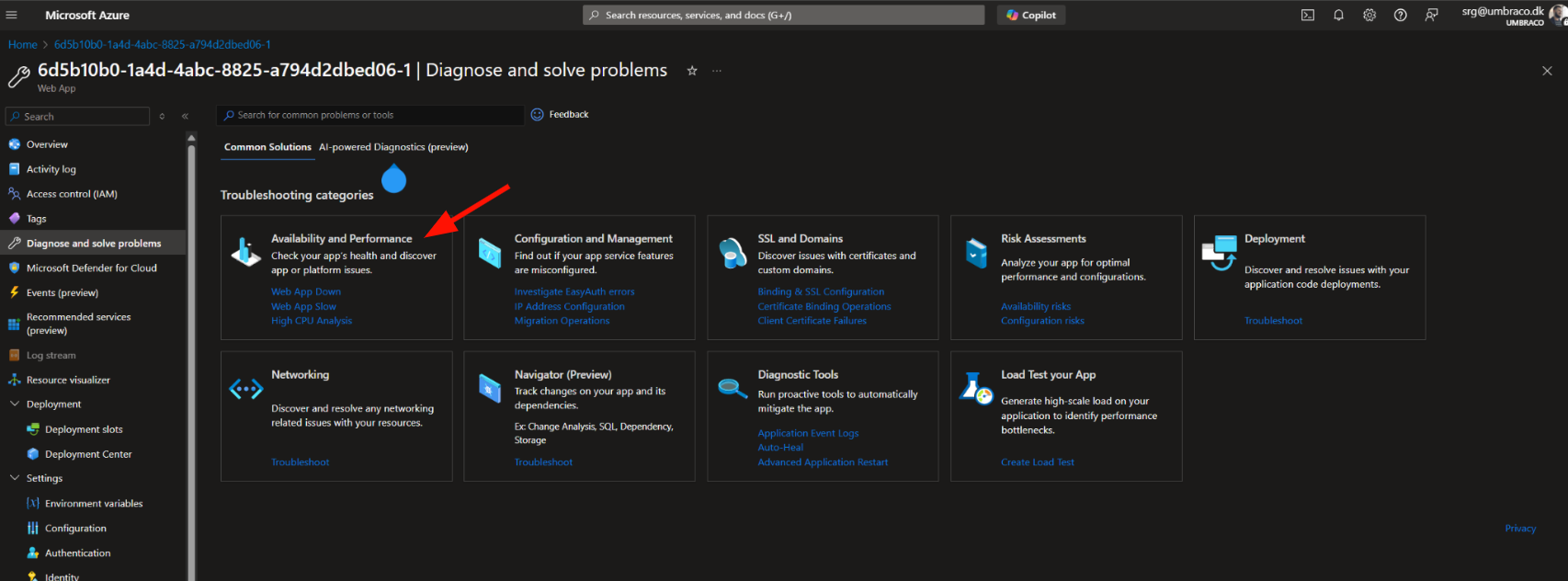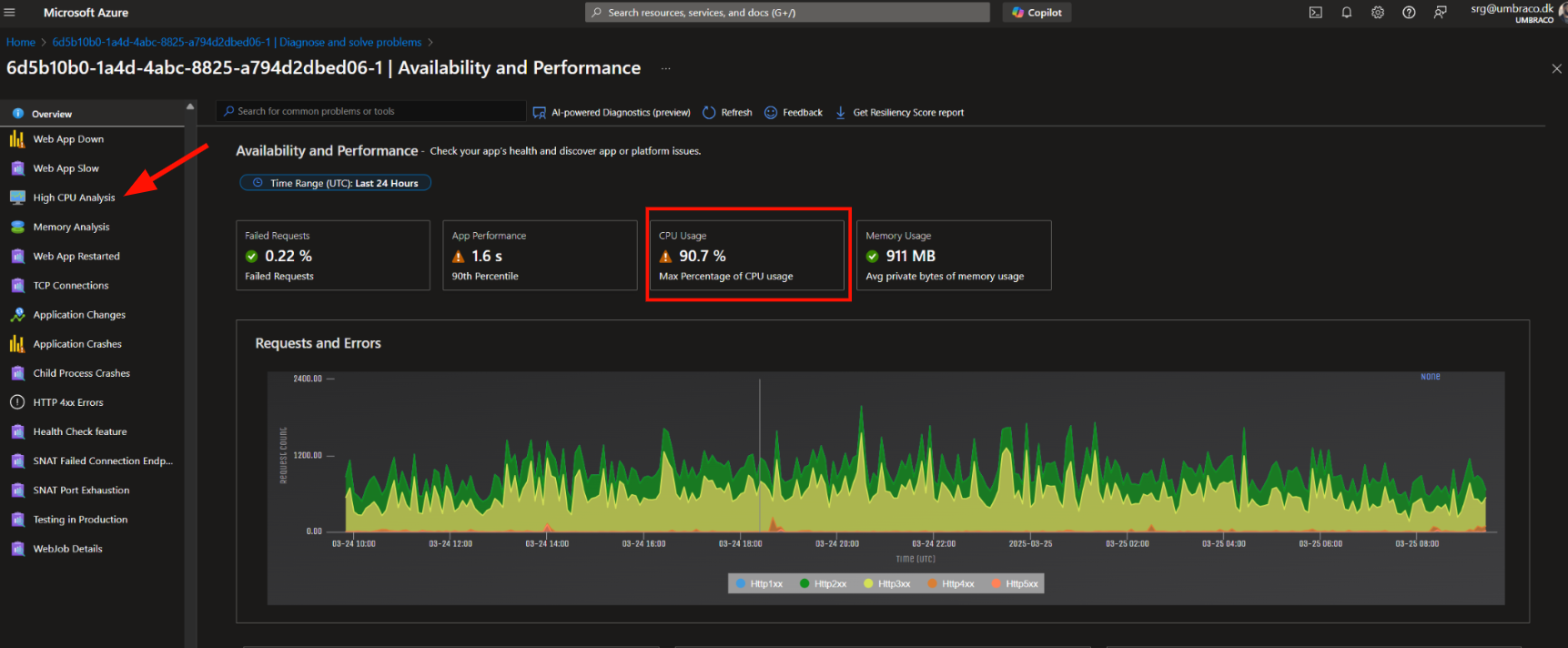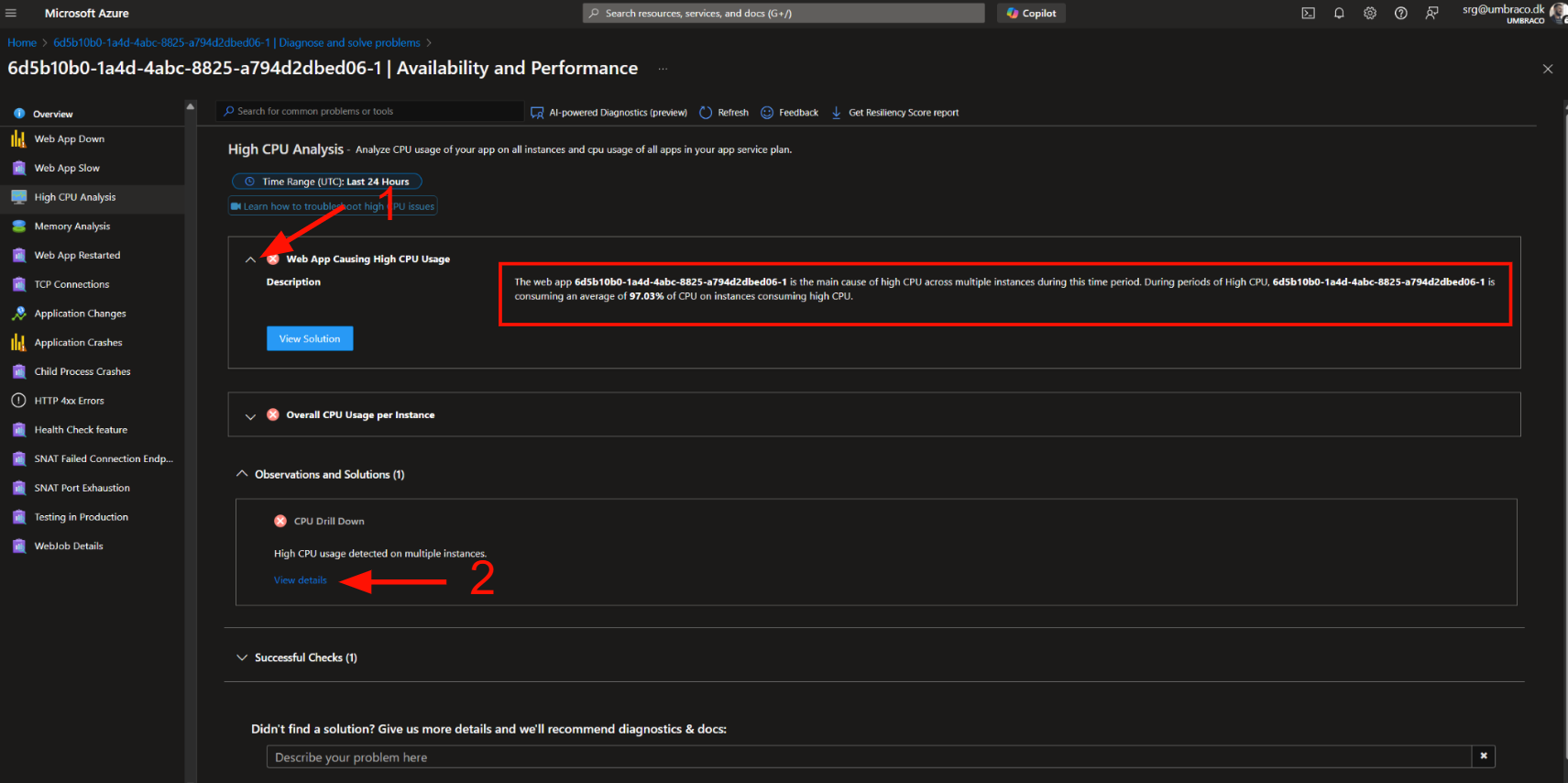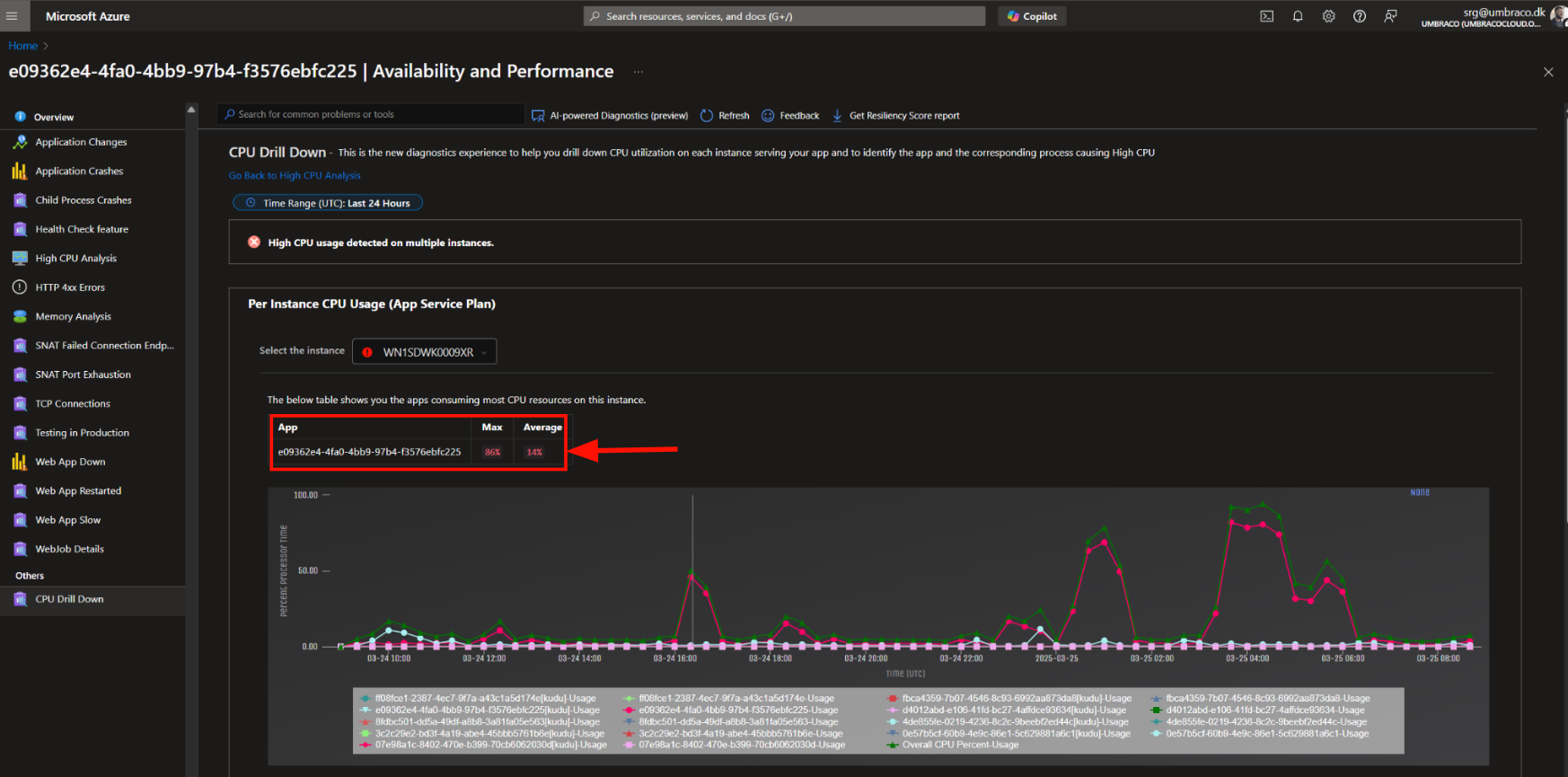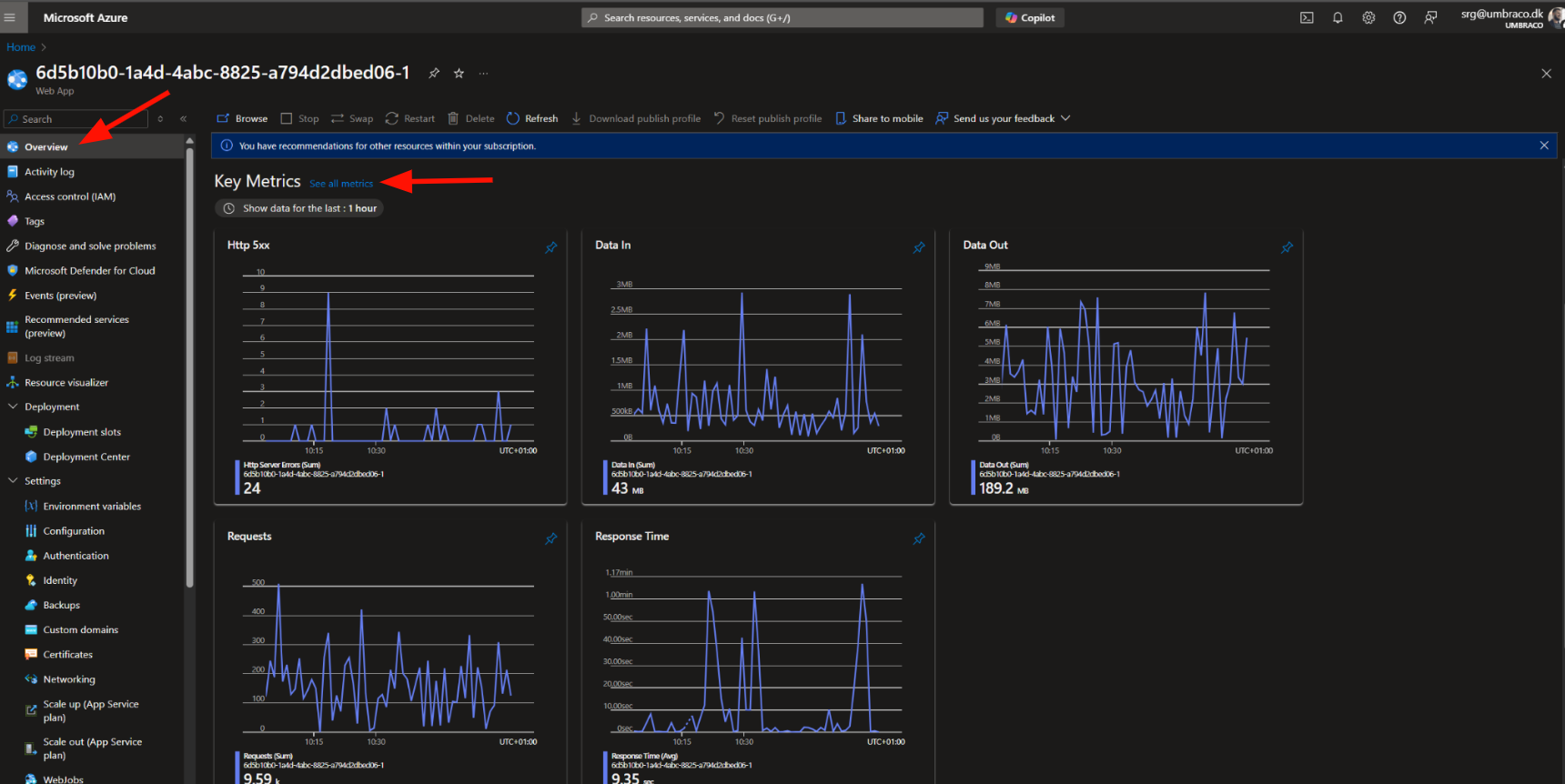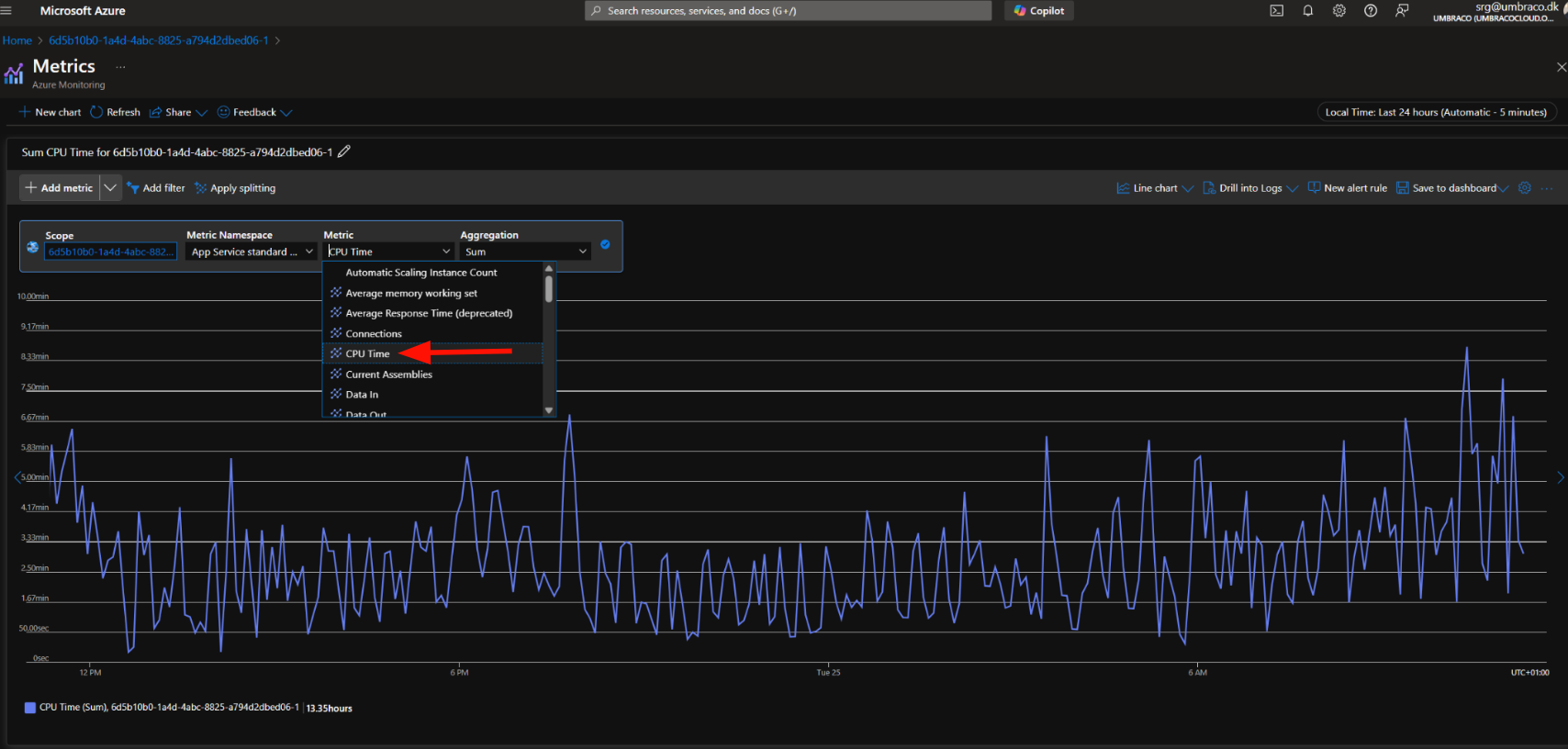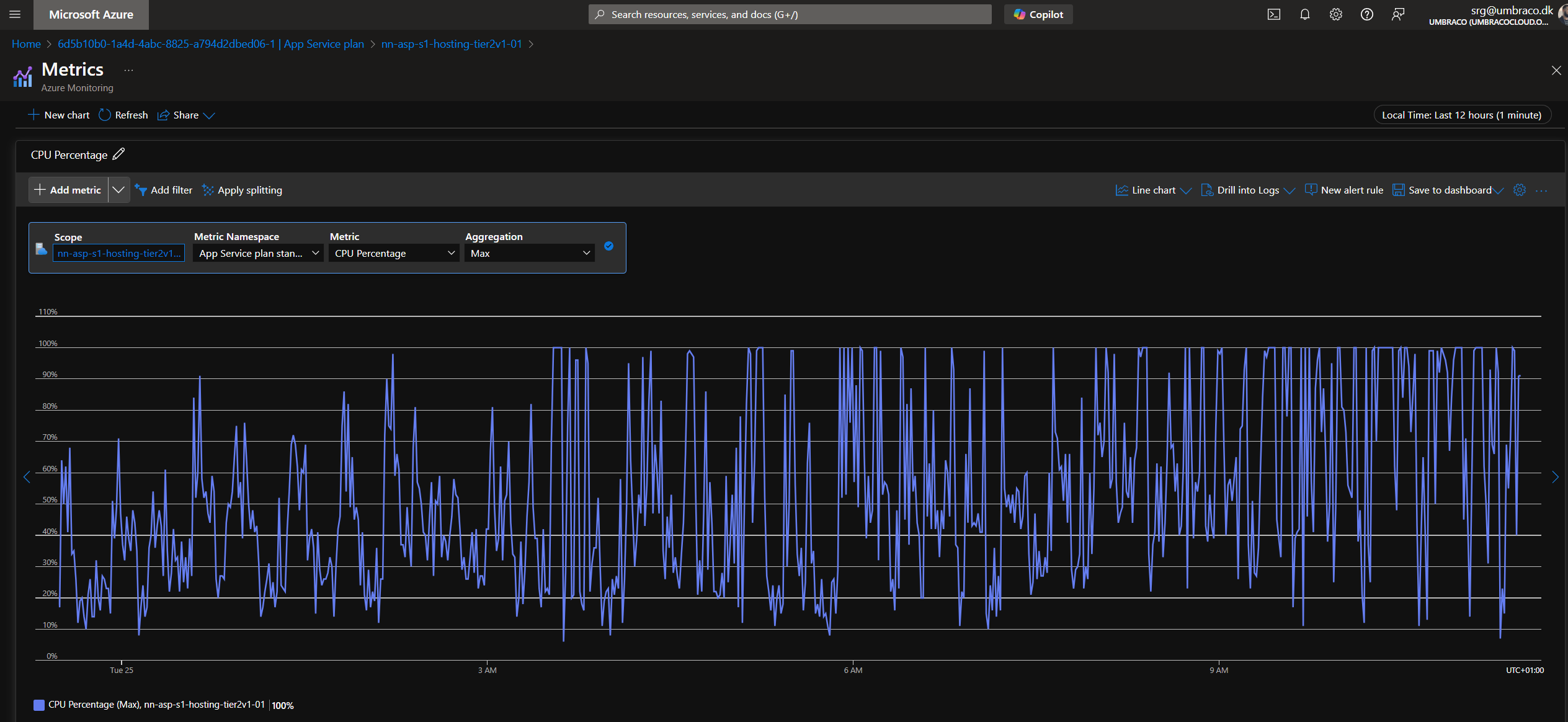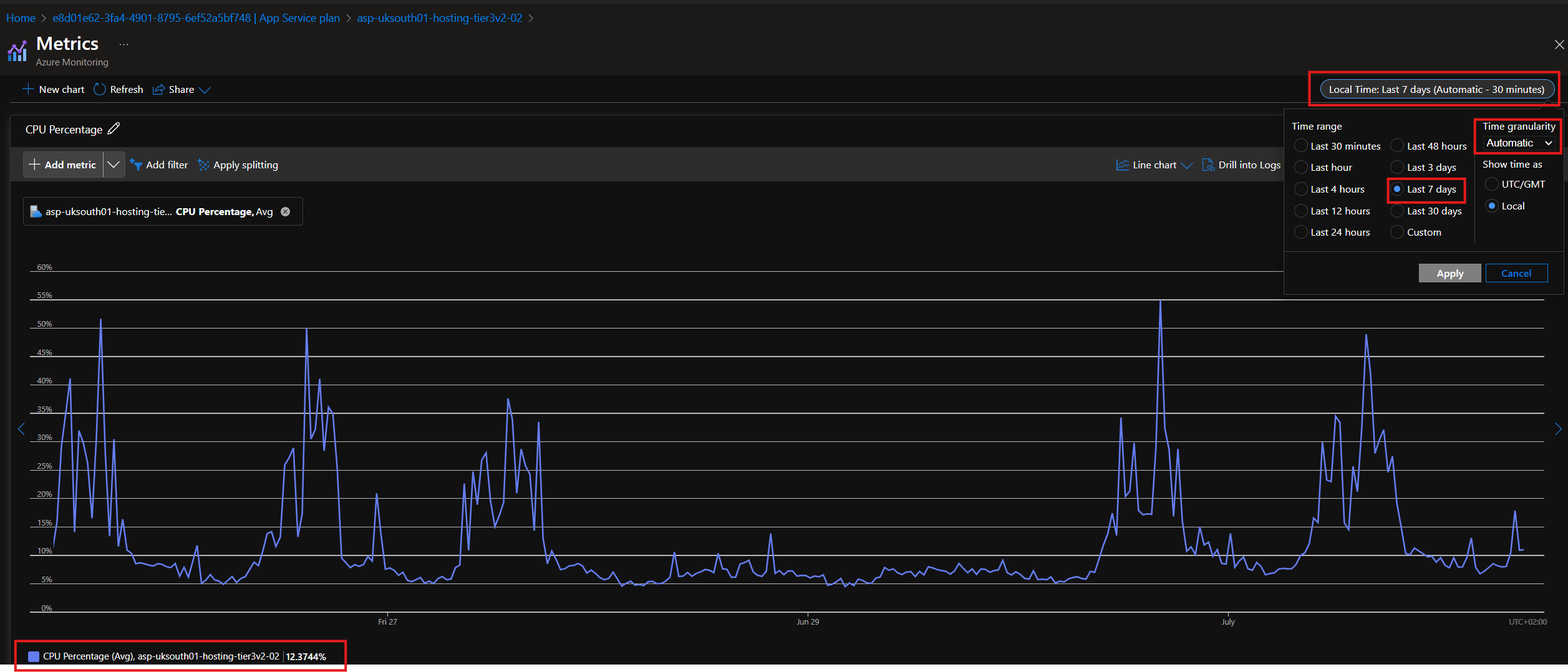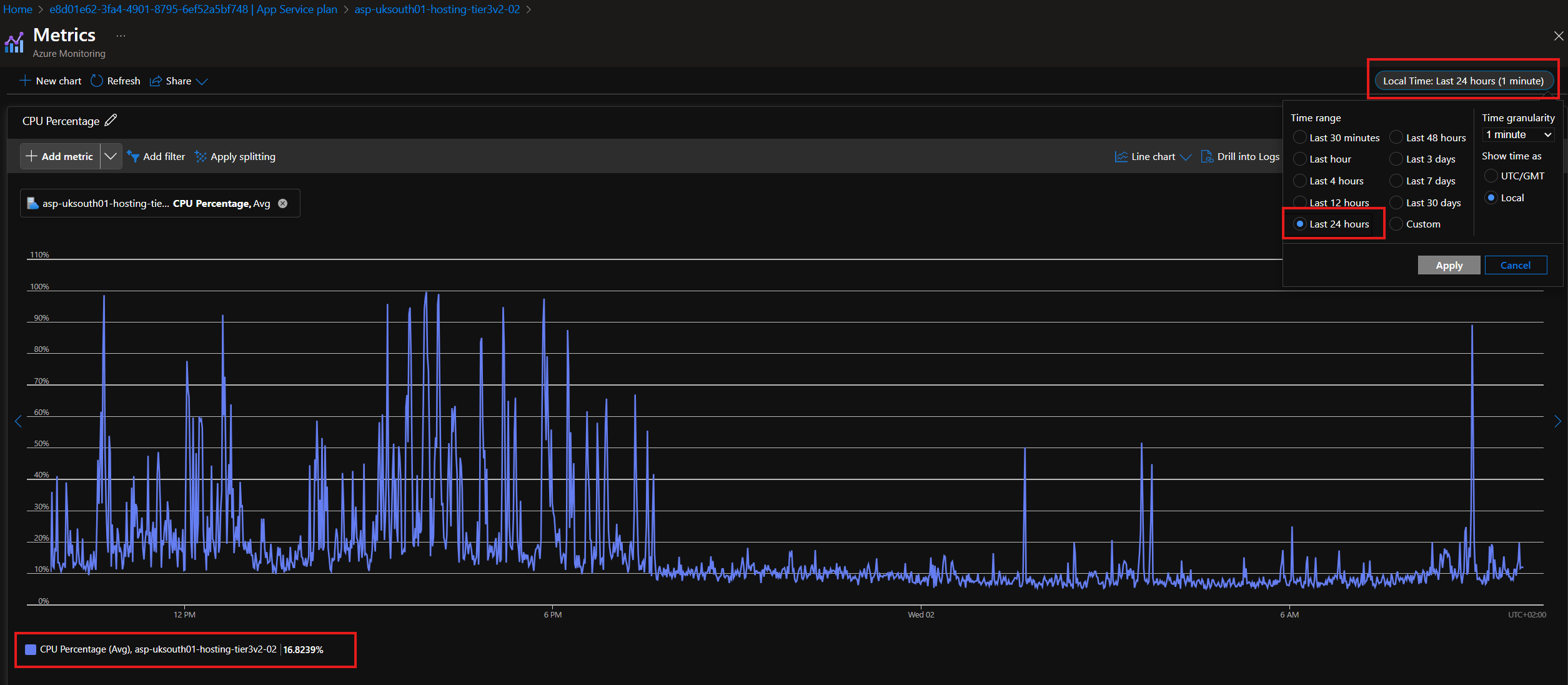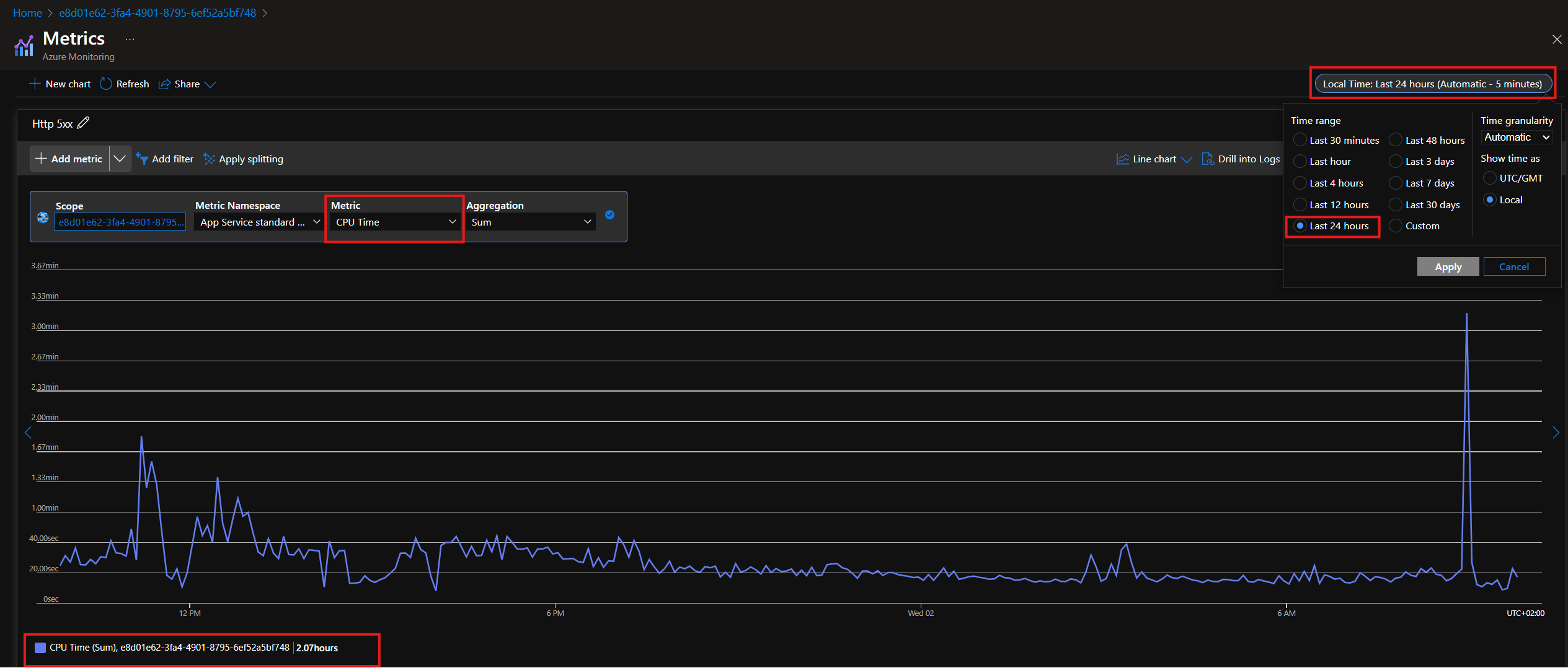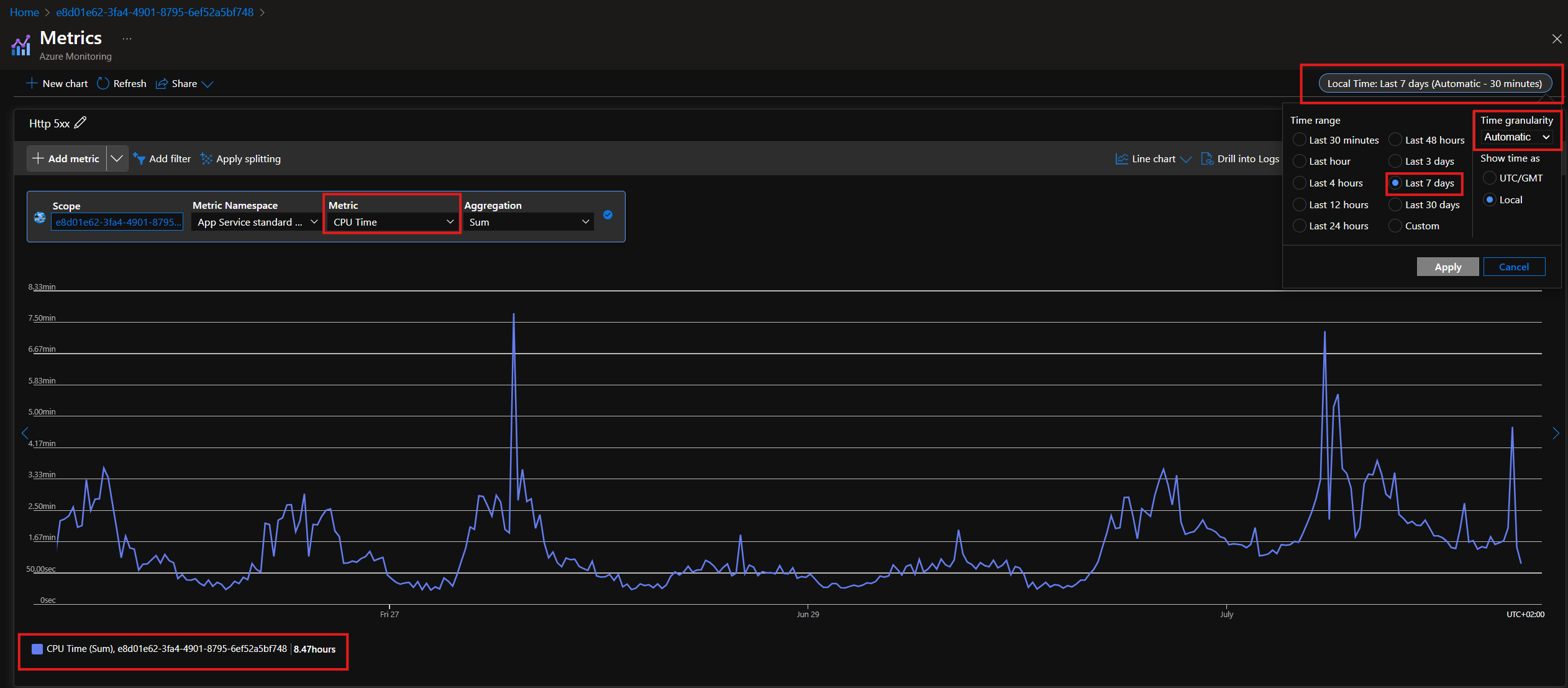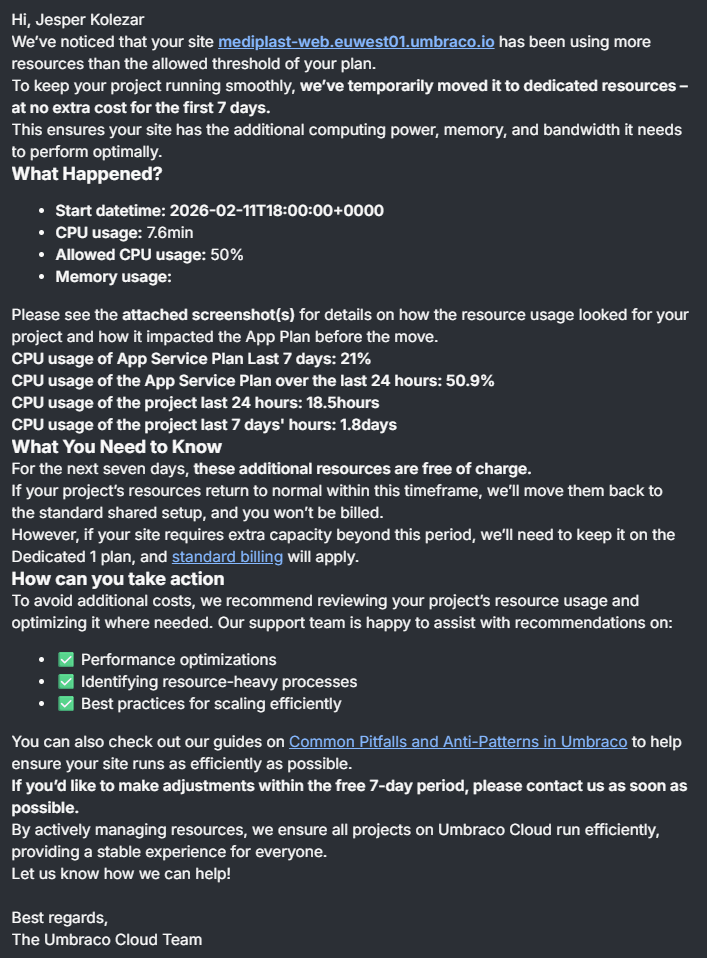
Above is an example of an automated message, sent to a customer who was using too many resources from a shared app pool.
What to do now?
Once this ticket is assigned to you, simply snooze the ticket in your view for 1 week (if it was assigned the same day as creation). The customer has 7 days to do something about the issue before responding.
If no response
Once the 7 days are up, you can simply close the ticket if there is no response.
If response
If they do respond, you will need to help with the investigation of why they are using too many resources.
You/the customer, will need to look into their logs and potential custom code to understand why this has happened.
Below are the main articles to look into when helping the customer get the information they need.